

Last Updated: November 15, 2026
Quick Summary
To choose lipstick shade online, start with your undertone rather than the trend: warm undertones lean golden and suit coral and brick reds, cool undertones lean pink and suit berry and mauve, and neutral undertones can wear almost anything. Check your inner wrist veins in daylight, then confirm your pick with a shade finder or quiz.
- Check inner wrist veins in daylight: greenish means warm, bluish means cool, a mix means neutral.
- Warm undertones glow in coral, brick reds, and peachy nudes.
- Cool undertones suit berry, blue-based reds, and mauve.
- Treat photo-based shade matching as a starting point because selfies and screens distort color.
- Save the top three quiz recommendations and compare them against your wardrobe.
Table of Contents
- Start With Your Undertone, Not the Trend
- Use a Lipstick Shade Finder Online and From a Picture
- Take the How to Choose Lipstick Shade Online Quiz for Free
- Frequently Asked Questions
Start With Your Undertone, Not the Trend
Learning how to choose lipstick shade online starts with one fact: your undertone matters more than the color name on the tube. It's the subtle hue beneath your skin's surface, unchanged whether you're tanned or pale.
Warm undertones lean golden, peachy, or yellow; cool undertones lean pink, red, or blue; neutral undertones sit between, and most people fall here. Check your inner wrist veins in daylight: greenish means warm, bluish means cool, a mix means neutral.
Warm undertones glow in coral, brick reds, and peachy nudes; cool undertones suit berry, blue-based reds, and mauve; neutral undertones can wear almost anything. For the ordering side, see our guide on how to buy natural hydrating lipstick online.
Your undertone decides which shades work, so match the color family to it before anything else.
| Undertone | How to check wrist veins | Shades that suit |
|---|---|---|
| Warm | Greenish veins in daylight | Coral, brick reds, peachy nudes |
| Cool | Bluish veins in daylight | Berry, blue-based reds, mauve |
| Neutral | A mix of vein colors | Almost anything |
Use a Lipstick Shade Finder Online and From a Picture
A lipstick shade finder online suggests colors based on your skin tone, undertone, and sometimes a photo. Filter-based versions ask about your skin, hair, and eye color; photo-based finders, often called a lipstick shade finder from picture, map color onto your lips from a selfie or live camera.
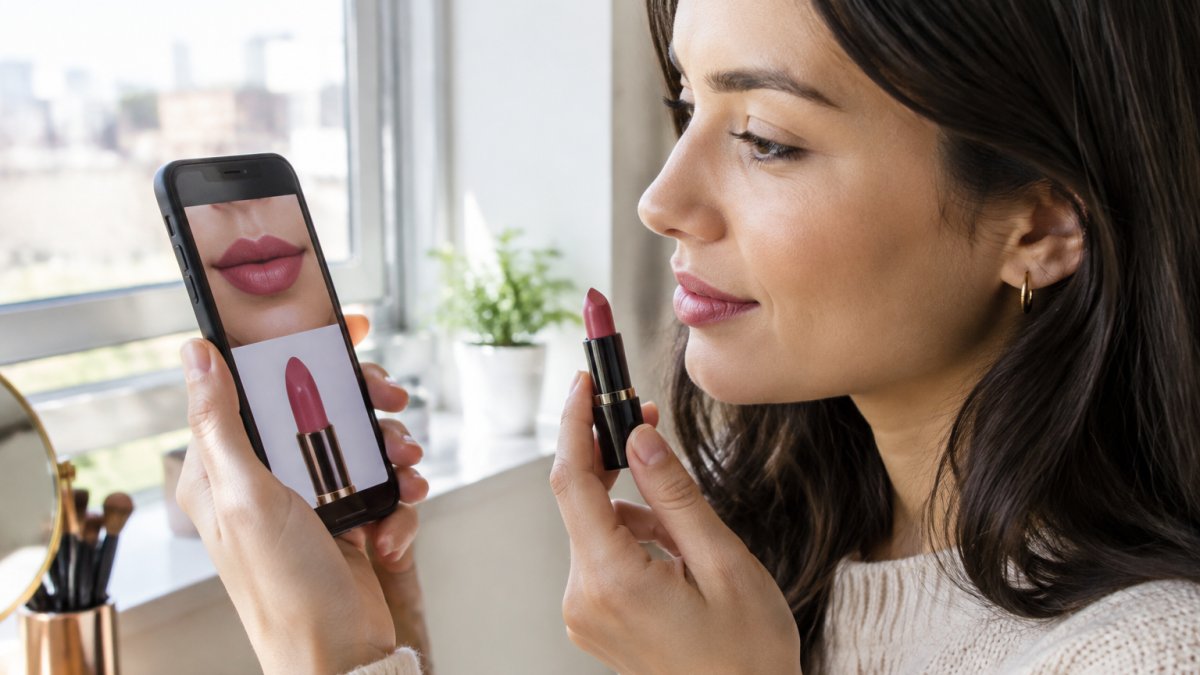
Treat photo matching as a starting point: selfies carry their own lighting, and every screen renders color differently. Screenshot results, compare them in two or three kinds of light, and read swatches from people with a similar complexion. For more, read how to choose lipstick color online, and see our list of lip colors that won't crack before you order.
Take the How to Choose Lipstick Shade Online Quiz for Free
A how to choose lipstick shade online quiz is a short questionnaire that narrows dozens of colors down to a handful that suit your skin tone and undertone.
- Answer the undertone questions honestly.
- Note your natural lip color, since pigmentation shifts how a shade reads.
- Choose the finish you actually wear: matte, glossy, or sheer.
- Save the top three recommendations, not just one.
- Compare those three against your wardrobe and daily makeup look.
A shade that flatters your skin but clashes with everything you own will sit unused. Before you wear your chosen shade, learn how to hydrate dry lips while wearing lipstick.
Once you have your shortlist, our IB Lip Silk Lip Gloss puts the guidance into practice: hydrating, vegan-friendly, built around shea butter, with a full pigmented finish. The tube also has a mirror and a lighted applicator for applying on the go or in low light.
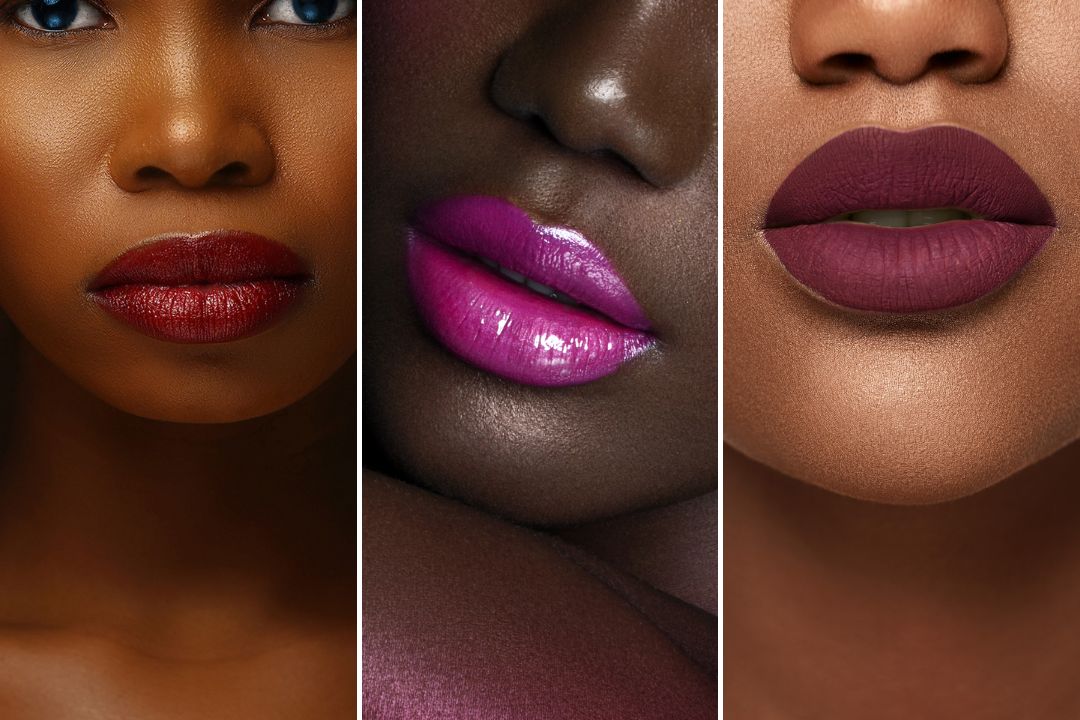
Choosing a lipstick shade online comes down to knowing your undertone, testing a finder or quiz, and comparing a shortlist rather than trusting a single preview. That is the workflow we would use every time.
iBLipSilk makes the last step simple. Our hydrating lip colors combine rich pigment with shea butter and a vegan-friendly formula, and the mirror-and-lighted-applicator tube means you can touch up anywhere. Start with your undertone, take a quiz, then shop the shade that fits.
Frequently Asked Questions
Are online lipstick shade finders accurate?
They are a useful starting point, not a guarantee. Screen color, lighting, and your natural lip pigmentation all shift how a shade reads, so treat a finder result as a shortlist rather than a final answer. Compare two or three suggested shades, check swatch photos in daylight, and read reviews from people with a similar complexion. Then pick a formula you can layer, like a sheer or hydrating gloss, so you can adjust the intensity once it is on your lips.
Can I use a photo to find my lipstick shade?
Yes. A lipstick shade finder from picture works by reading your skin tone and undertone from a selfie, then suggesting matching color families. For the best result, take the photo in natural daylight, no filter, with a neutral background and your face filling most of the frame. Avoid harsh indoor bulbs, which cast yellow or blue tones. If the tool offers a live camera option, use it, since real-time previews let you try different shades and compare them side by side before buying.
How do I choose a lipstick shade online if I have dry or sensitive lips?
Put formula before color. A shade that looks right but dries your lips out will not get worn. Look for hydrating ingredients such as shea butter, and check that the finish is comfortable rather than matte-flat. iBLipSilk's IB Lip Silk Lip Gloss, at 21.00, pairs full pigment with a shea butter, vegan-friendly formula and a mirror and lighted applicator. Once the formula suits you, use an undertone test to narrow the color.
